
Palm Assistant - Don't Let Your Palm Gather Dust
The legendary Android smartphone, no larger than a credit card—the Palm Phone. This was Palm's final masterpiece. With its ultra-compact size, IP68 water and dust resistance, and the "Life Mode" (focus mode) now common on other phones, it was never meant to be a primary device for most people. Instead, it was defined as an exquisite electronic accessory, a "second phone" for the younger generation. The craftsmanship alone is truly impressive.
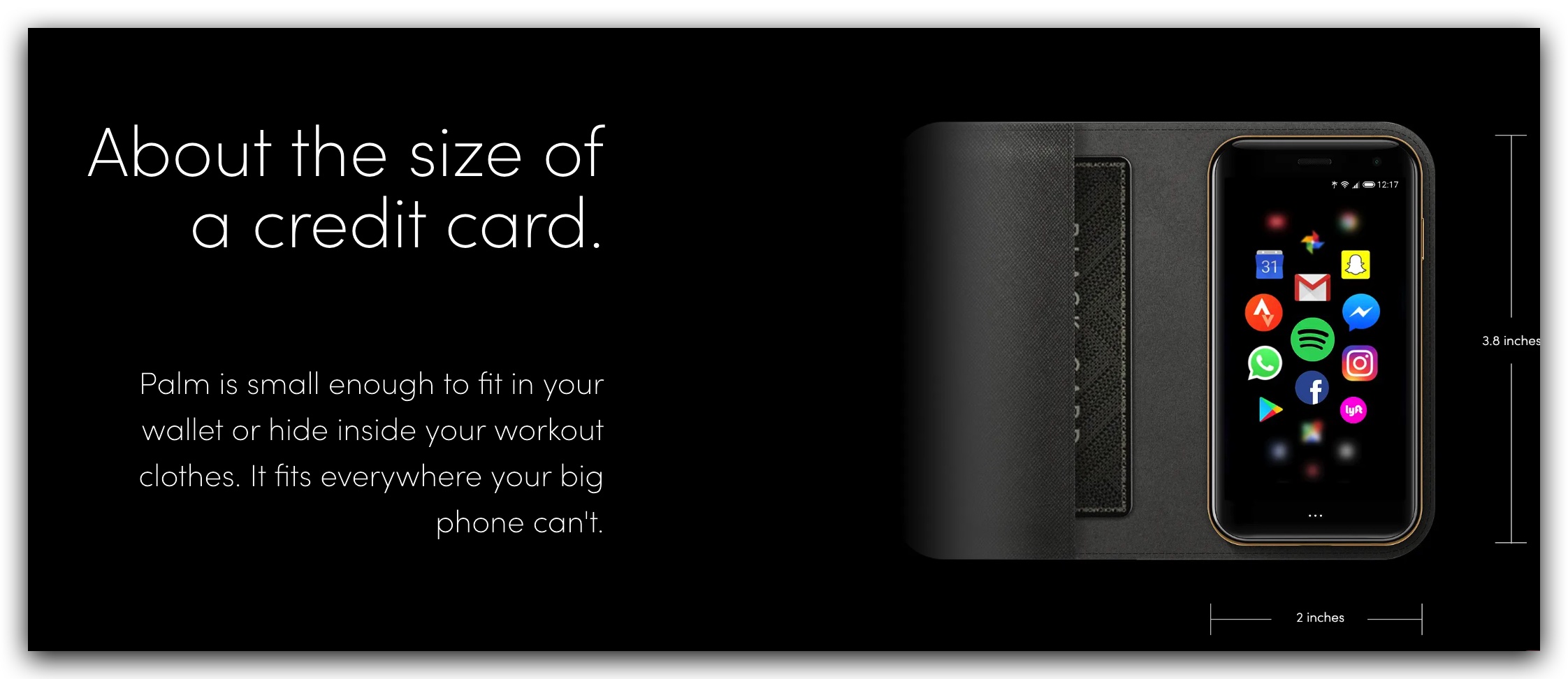
I suspect most people who bought one eventually locked it in a drawer to gather dust. However, I discovered two very practical capabilities. While not unique to this device, they provide extra benefits in specific scenarios.
- A Digital Detox Tool: Unlike other "detox" phones that are just basic feature phones from the last century (capable only of calls and texts), the Palm Phone is a full smartphone running Android 8.1. It allows you to "detox" while still offering modern conveniences for emergencies. However, its small screen ensures you won't want to use it for long periods. For example, to avoid getting addicted to shopping, games, or social media, I installed Baidu Netdisk on it to store e-books and music. At night, I leave my main phone in my bag and use the Palm by my bedside to listen to audiobooks. It's too small and laggy for binge-watching, which is perfect.
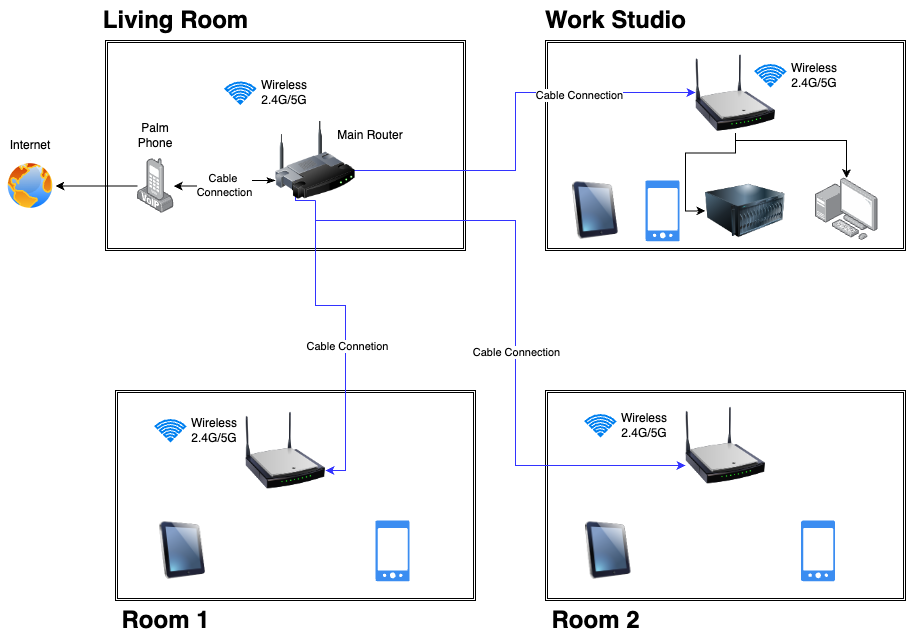
- A Home Internet Router: You can share its network with other devices at home. This sounds like a simple mobile hotspot, right? True, but keeping a hotspot running on your main phone is draining, and signals drop if you walk around. I intentionally didn't set up home broadband because I don't want my family and me to be constantly online. Instead, I built this home network: The "Main Router" (top left) is an ASUS RT-AC66U with a USB port. By connecting a phone and enabling "USB Tethering," the router can use the phone's mobile network to access the internet (note: the default Palm system doesn't expose this setting easily). Internal home traffic is handled by the main router, with wireless routers in each room connected via Ethernet. This setup ensures fast internal speeds, and the 4G mobile network is plenty for external traffic. Whenever I move, I don't need to deal with ISPs for network transfers; I just take my setup and go. The Palm Phone is perfect here—I plug it into the router when needed and unplug it when I want to disconnect.
Currently, these are the two features I use every day. For a device that might have otherwise gathered dust in a drawer, I find it incredibly valuable.
Additionally, as mentioned, the default Palm system lacks a UI to enable USB tethering. To solve this, I developed an app called Palm Assistant (PalmHelper) during my spare time. If you're interested, you can contact me via the "Wisdom Valley" (智慧谷星球) WeChat Official Account to purchase it.