Features
This document provides a detailed overview of the core features and interface of DeepRead.
📊 Download Center
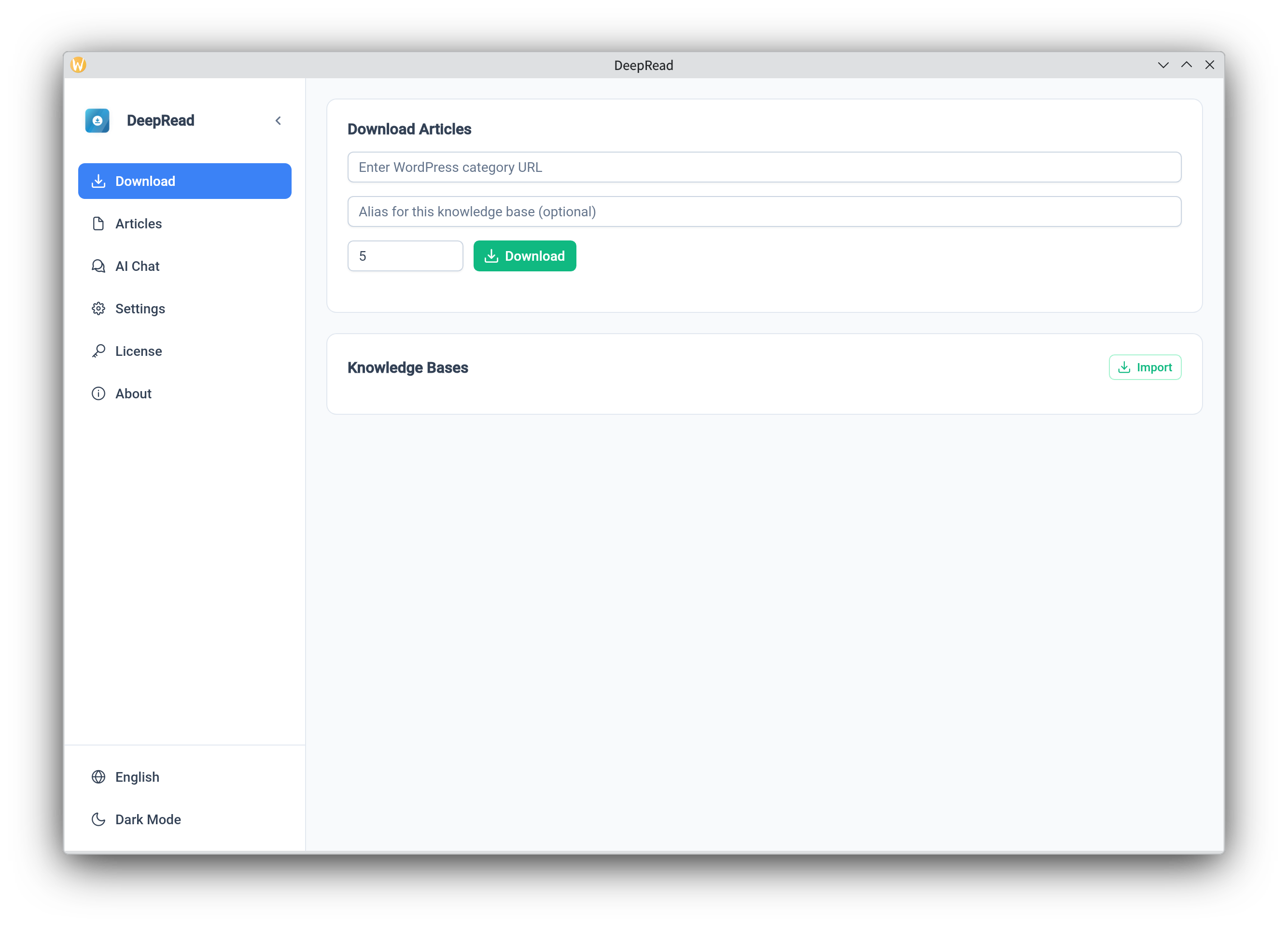
In the Download Center, you can batch crawl articles by entering a WordPress category URL.
- WordPress Category URL: Enter the list address of the blog posts you wish to download.
- Knowledge Base Name: Assign an easy-to-identify name for this batch of downloaded content for convenient reference in AI chats.
- Concurrent Downloads: Adjust the level of parallelism for download tasks.
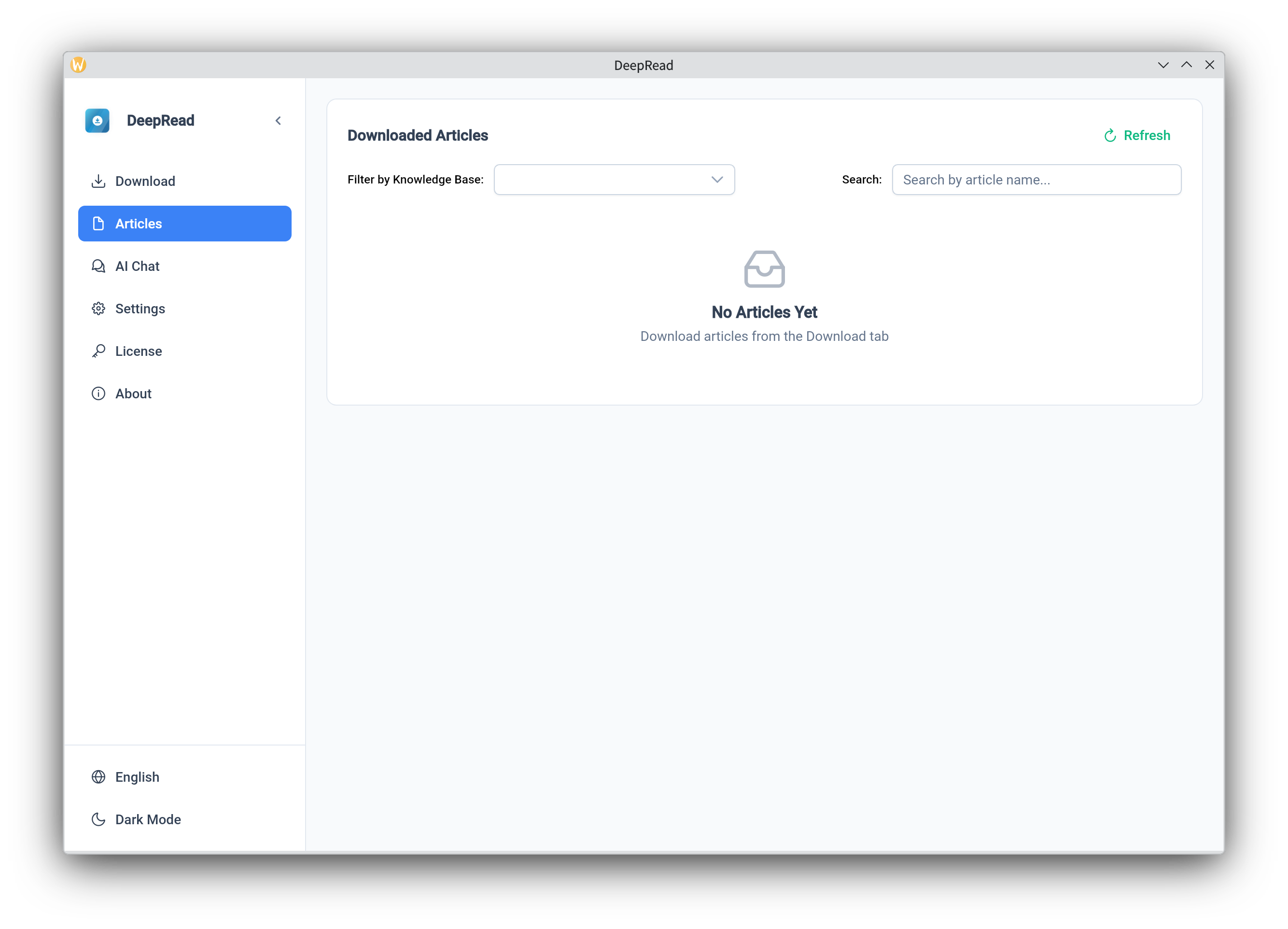
📚 Article Management
View all downloaded articles and their metadata. You can search for articles by filename and open the corresponding local Markdown file for reading.
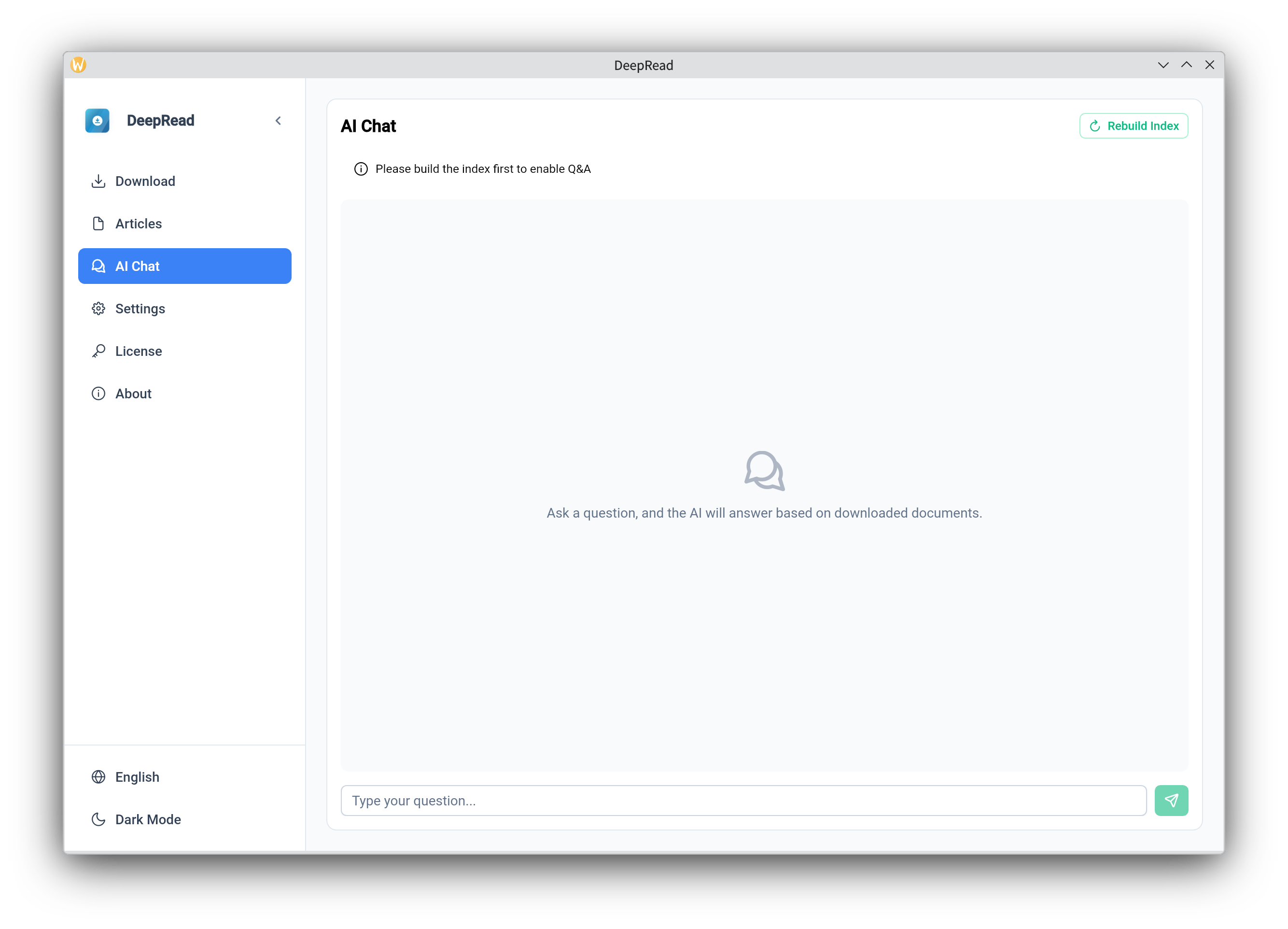
🤖 AI-Powered Chat (RAG)
This is the core feature of DeepRead. Select a downloaded knowledge base, and the AI will answer your questions based on the content of those articles.
- Knowledge Grounding: The AI answers based strictly on your local article content, effectively preventing hallucinations.
- Contextual Understanding: Supports multi-turn conversations for in-depth exploration of specific topics.
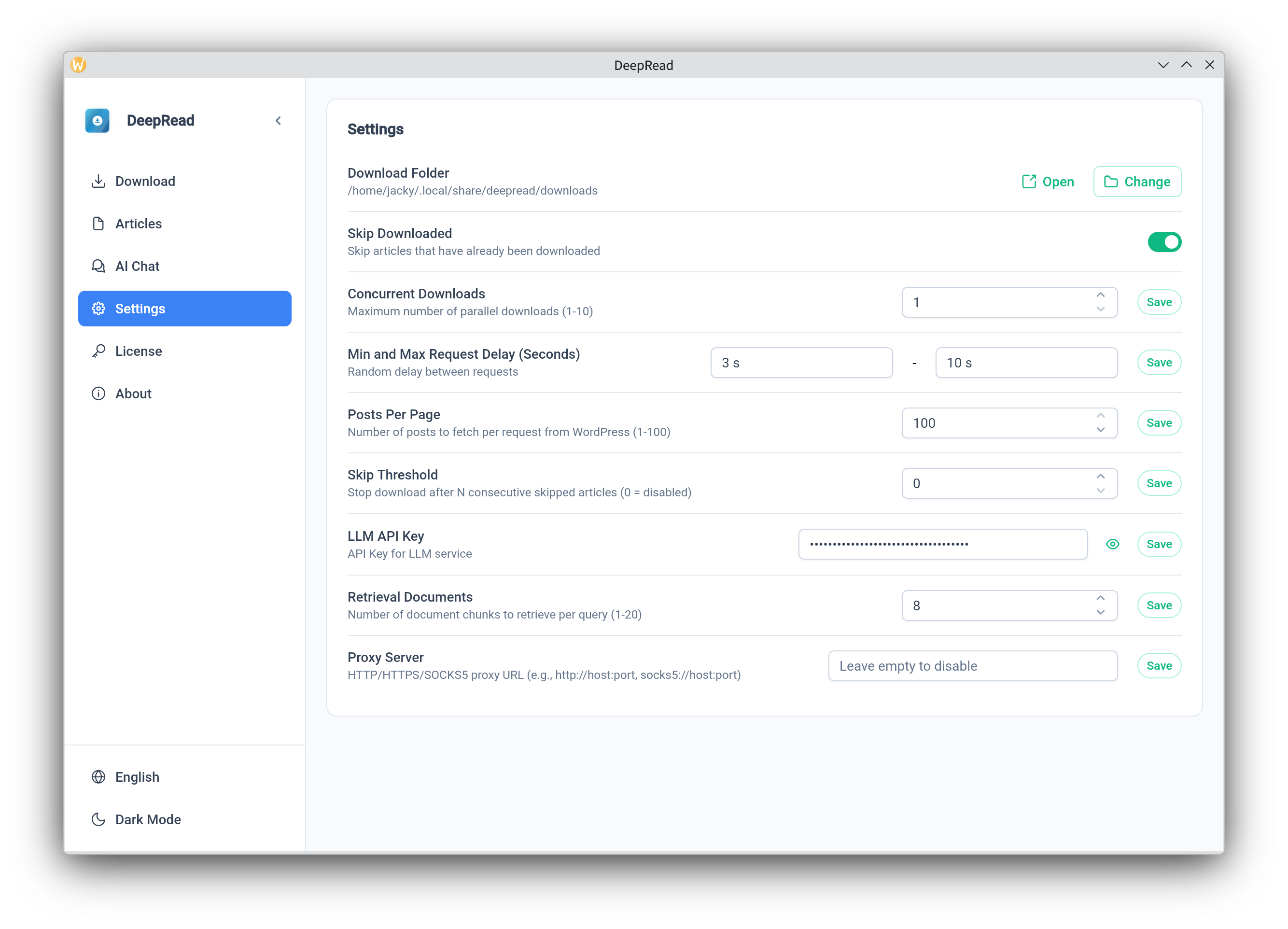
⚙️ System Settings
Configure preferences such as AI model API keys, Base URLs, and download paths.
🏳️ Multilingual Support
Currently supports Simplified Chinese, Traditional Chinese, and English, catering to the usage habits of users in different regions.
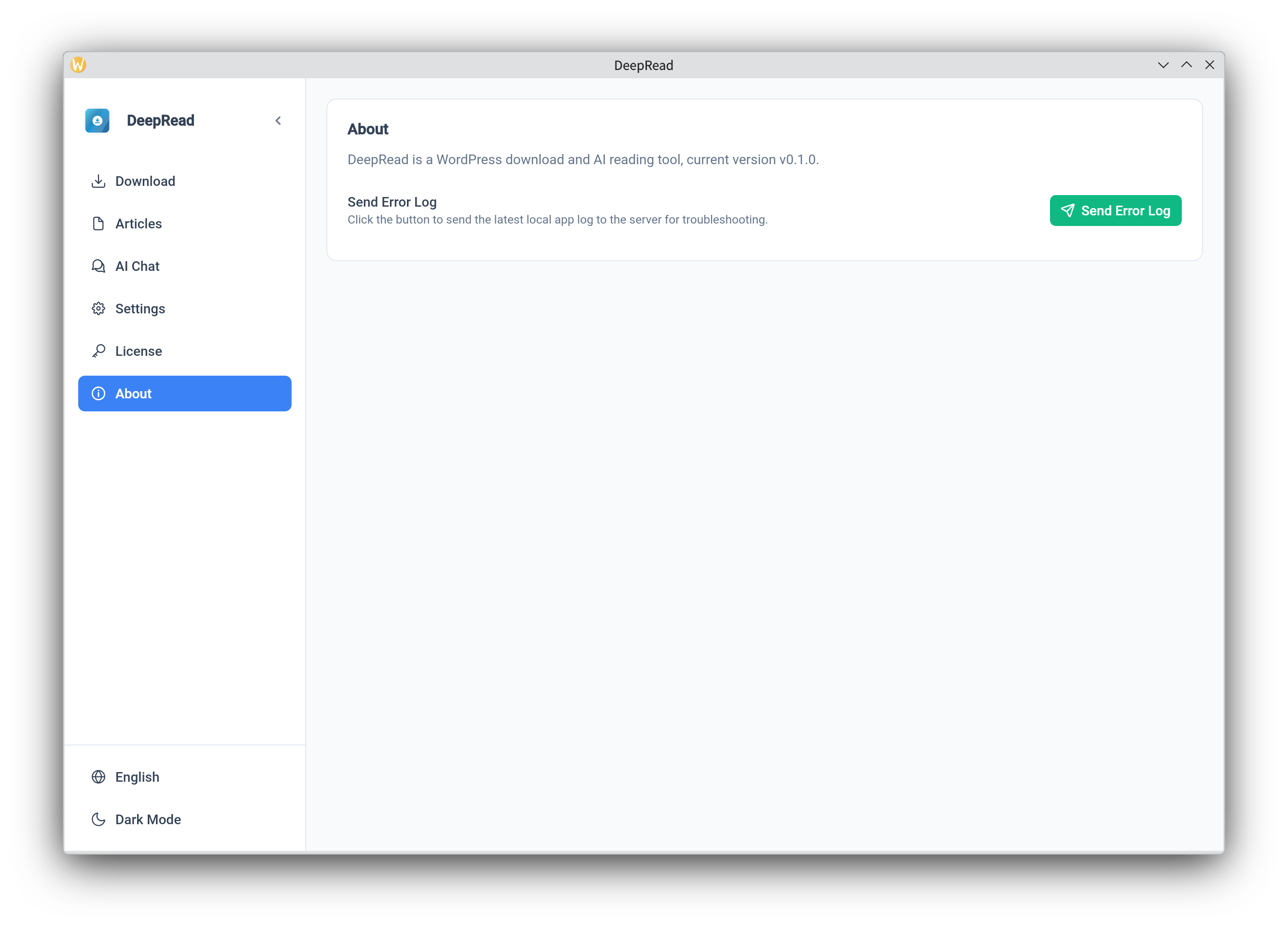
About/Help
When encountering software issues, you can send error logs to the developer from this interface. The developer will respond as soon as possible.