
Quick Start
Introduction
BetterMe is a workout tracking app for Android phones. It features a minimalist design with no ads, and requires no sign-up, no login and no internet connection.
- Plank: a timer with
Count UporCountdownmode. - Push-Up / Sit-Up: counters that record the reps of each set.
- History: view the trend chart and the details of each session by exercise and time range.
- Settings: switch the display language.
Installation
- Download the latest package from the download page.
- Install it on your phone. On the first install you need to allow installing apps from this source.
- Open the app and start training — no sign-up or login required.
Usage
Plank
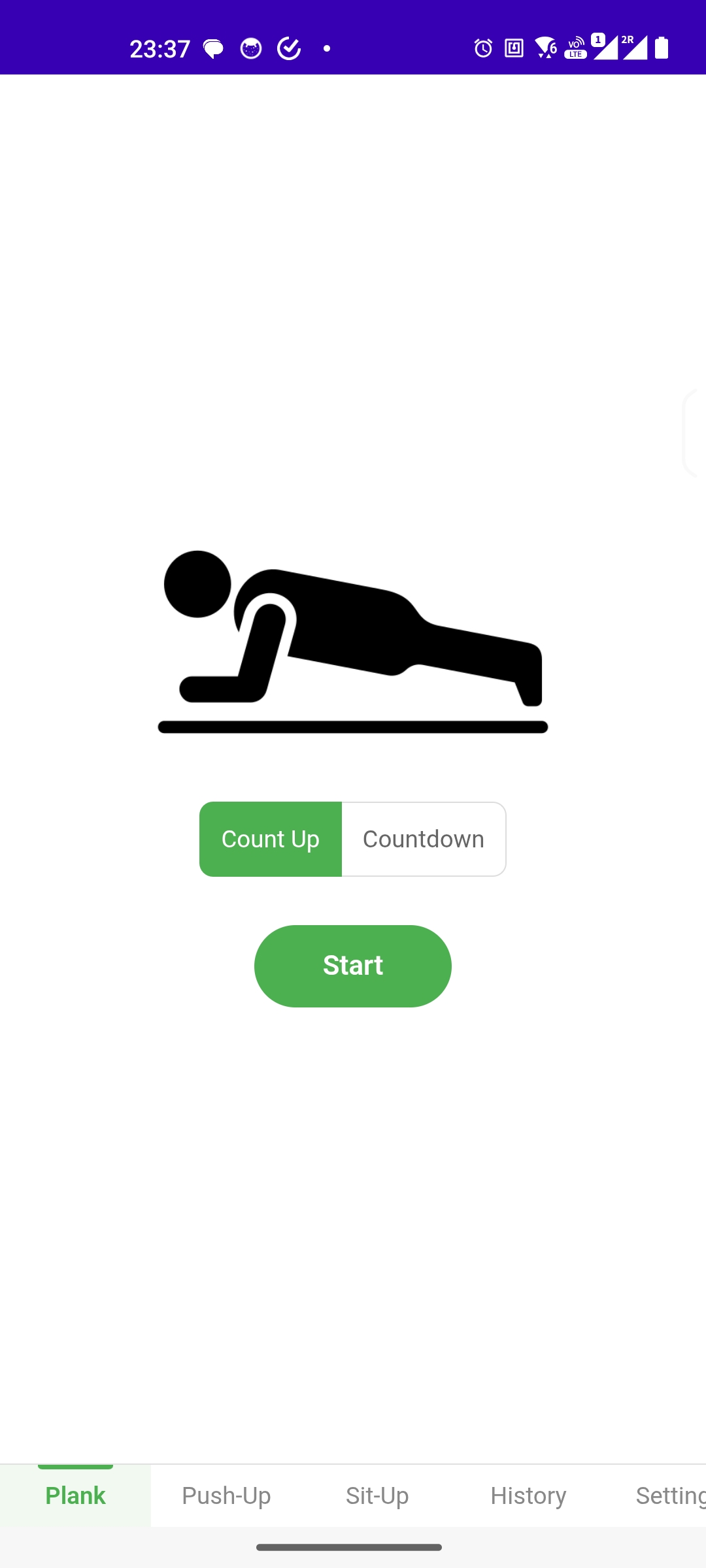
- Tap
Plankin the bottom tab bar. - Choose the timer mode:
Count Upcounts upwards from 0,Countdowncounts down from the set duration. - Tap
Startto run the timer. The duration is added toHistorywhen you finish.
Push-Up
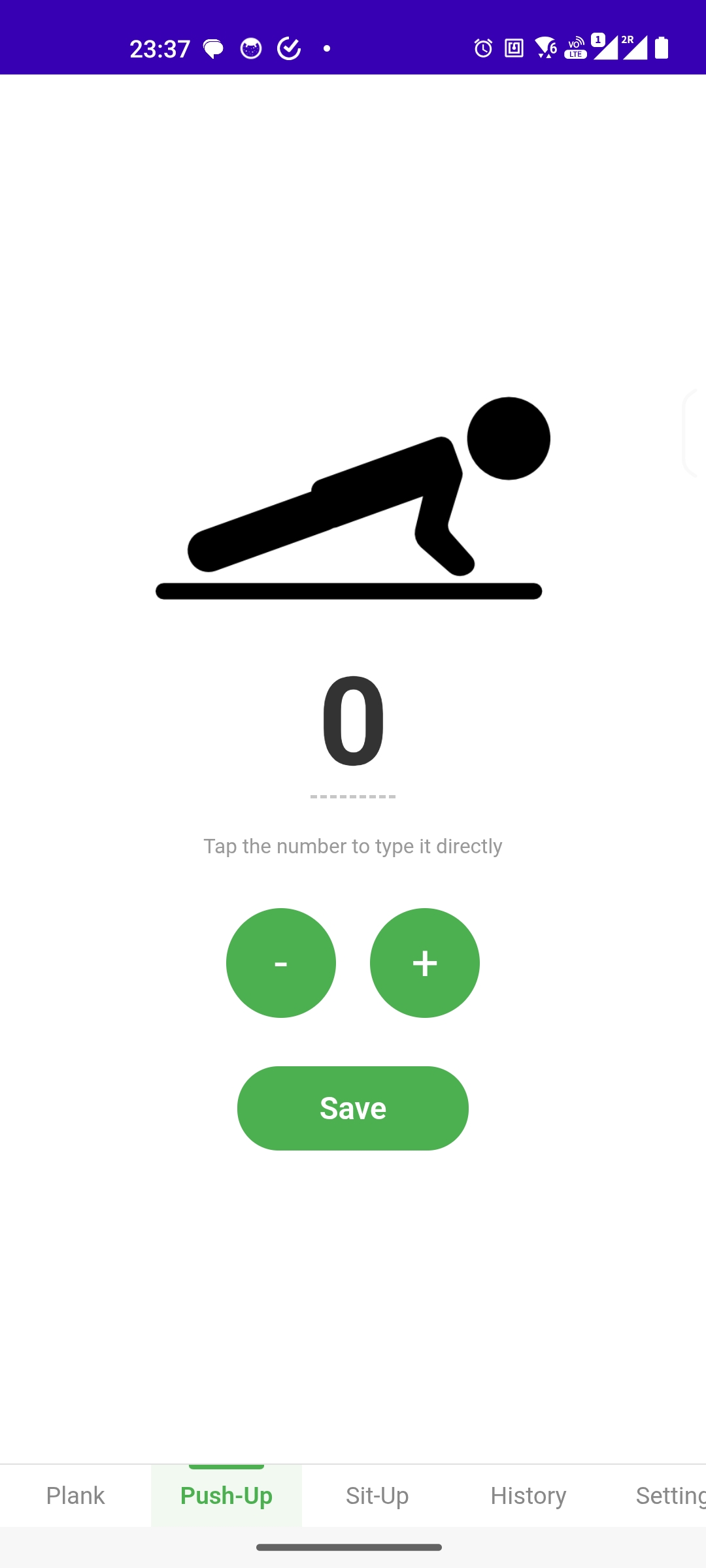
- Tap
Push-Upin the bottom tab bar. - Tap the number in the middle to type the reps directly, or use
-/+to fine-tune. - Tap
Saveto write the record intoHistory.
Sit-Up
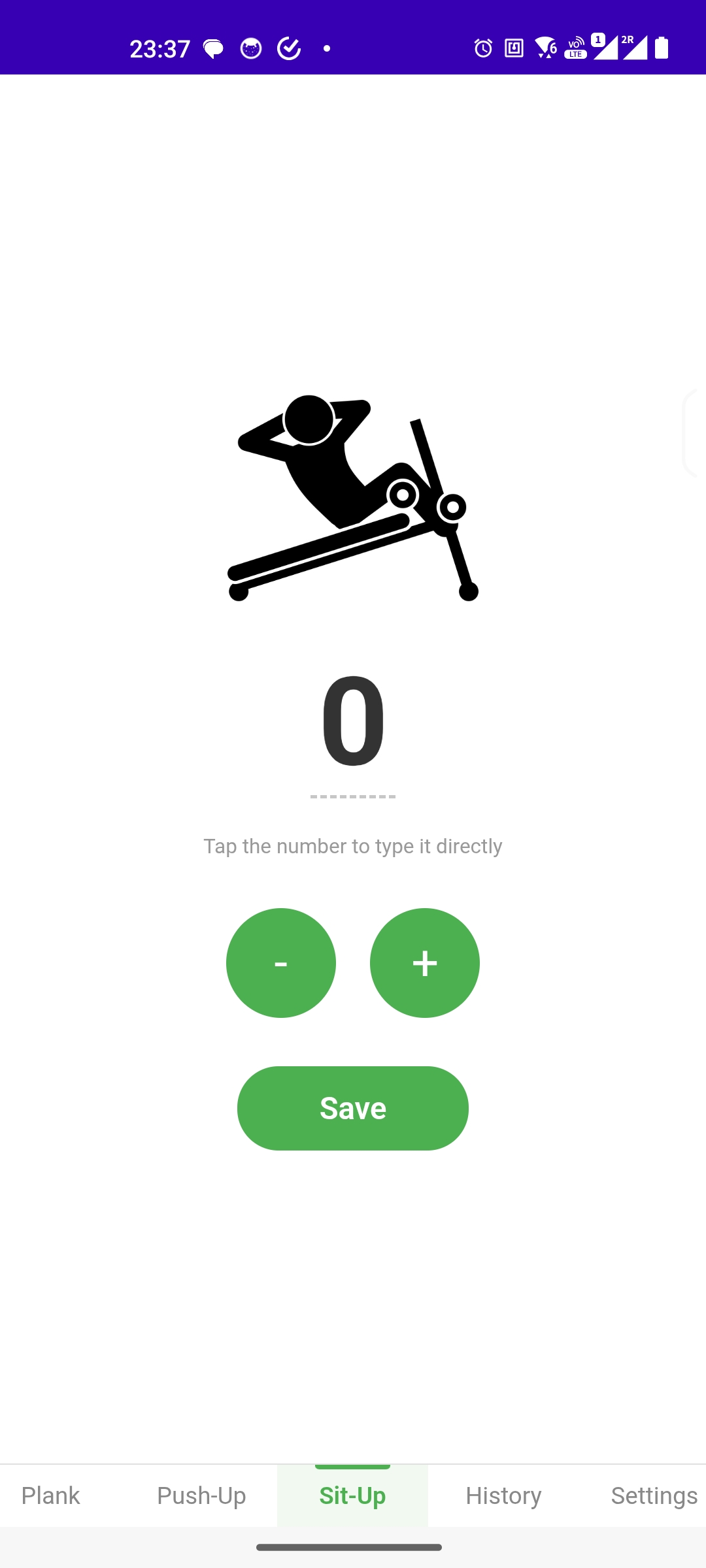
Same as Push-Up: type the reps or fine-tune them with - / +, then tap Save.
History
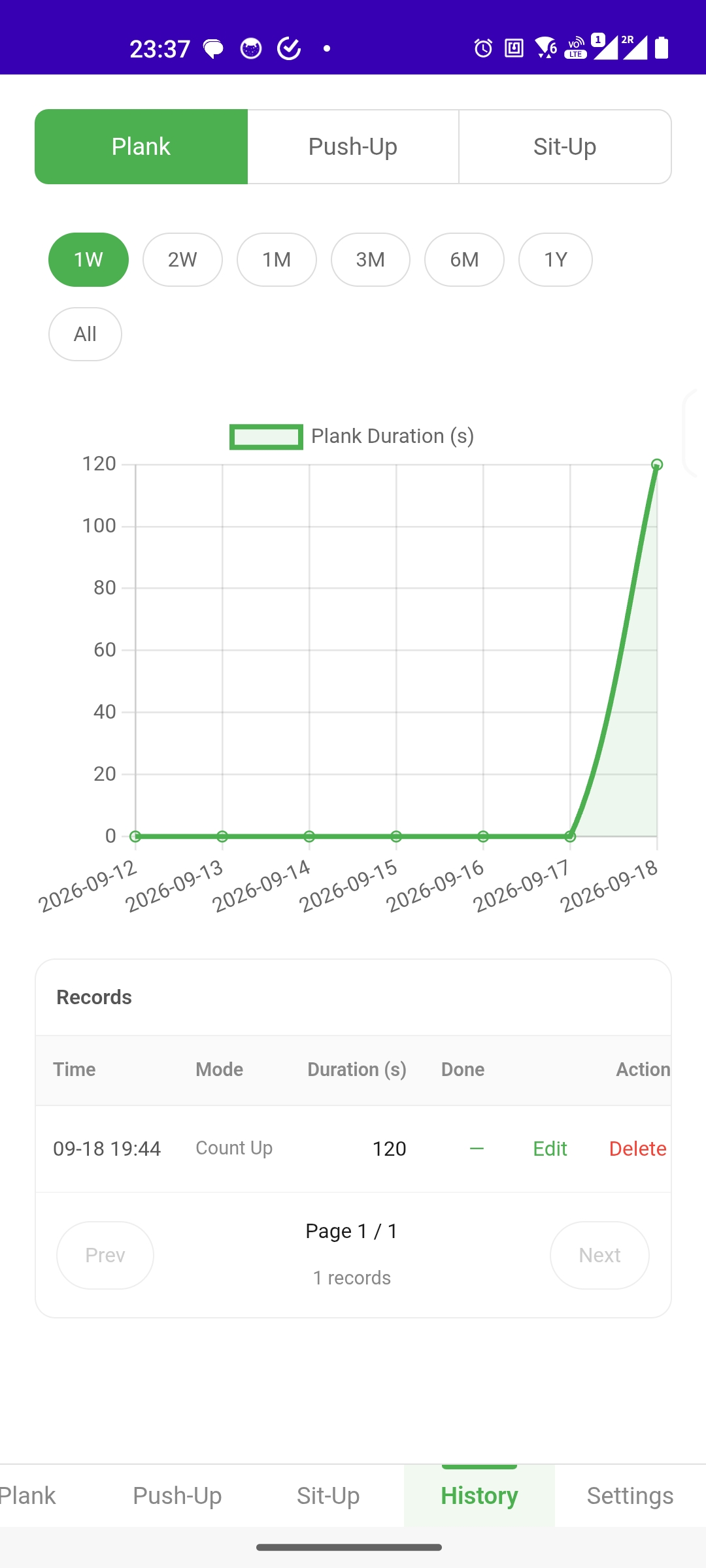
-
Switch the exercise at the top:
Plank/Push-Up/Sit-Up. -
Pick a time range:
1W,2W,1M,3M,6M,1Y,All. -
The line chart above shows the trend for that exercise; the legend shows what is measured (e.g.
Plank Duration (s)). -
The
Recordstable lists every session: Time, Mode, Duration (s) and Done.Use
EditorDeleteto change a record, andPrev/Nextto page through the records.
Settings
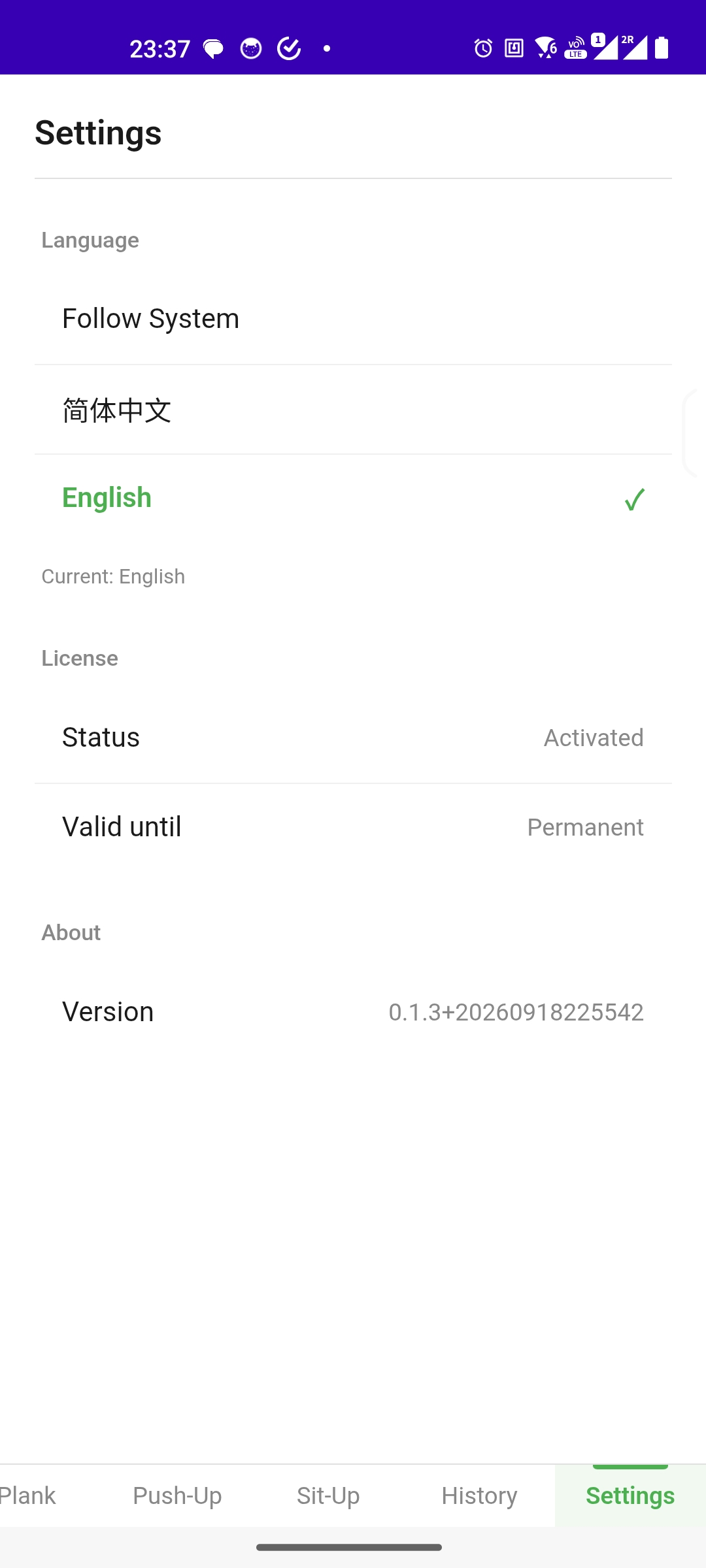
Language:Follow System,简体中文orEnglish. The active language is ticked and shown asCurrent:below.License: shows theStatusandValid untilof your license. An activated full license showsPermanent. The app uses a perpetual license — buy once, use forever.About: shows the version number, e.g.0.1.3+20260918225542. Include it when reporting an issue.
On This Page